

Documentation Index
Fetch the complete documentation index at: https://metorial.com/docs/llms.txt
Use this file to discover all available pages before exploring further.
What you’ll learn:
- How to create a custom provider
- Supported languages
Supported Languages
Metorial supports two languages for custom providers:TypeScript/JavaScript (Node.js)
- Full npm package support
- Automatic TypeScript compilation
- Node.js 18+ runtime
Python
- Standard Python packages with pip
- Python 3.10+ runtime
- Support for async/await
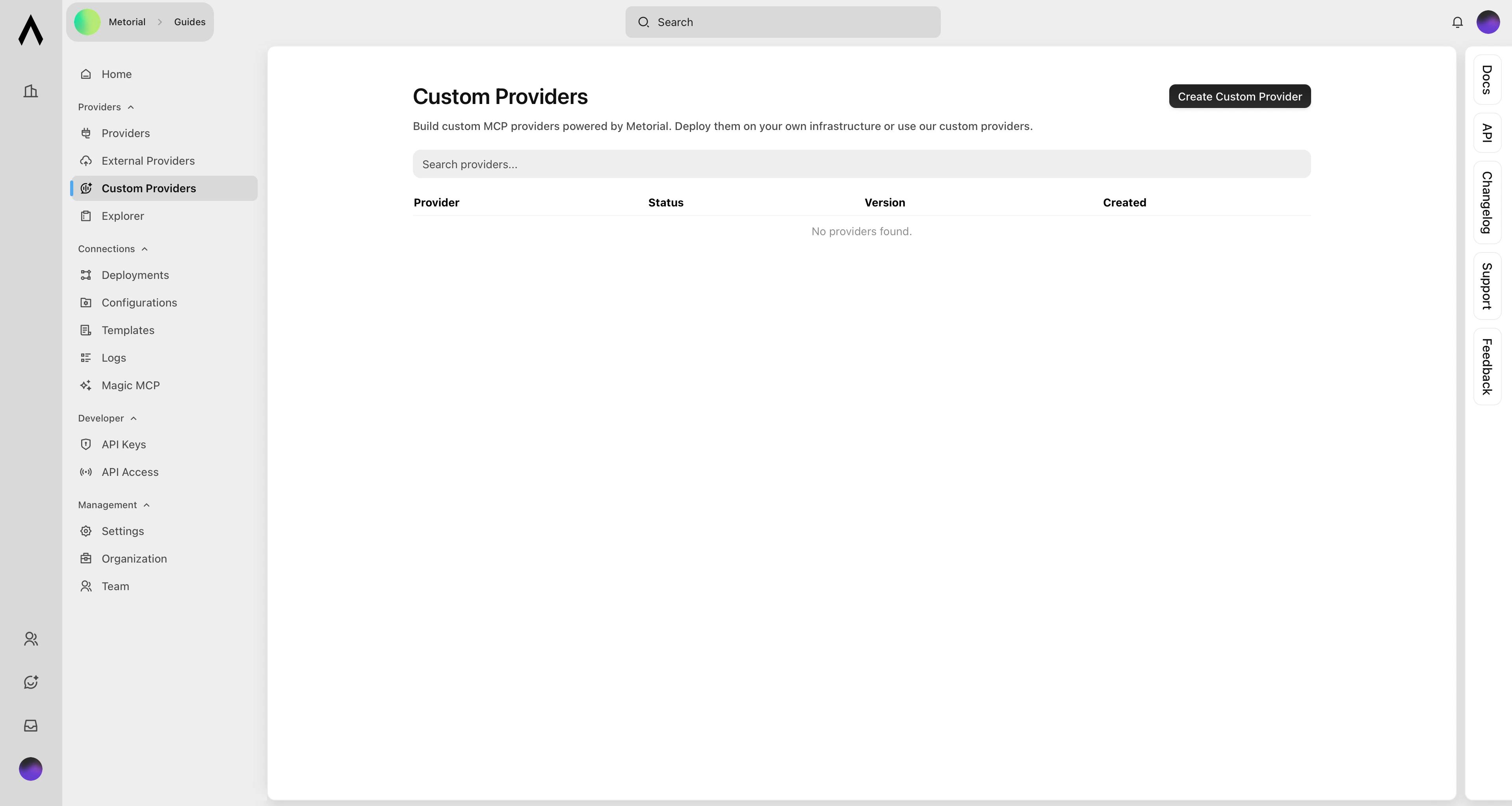
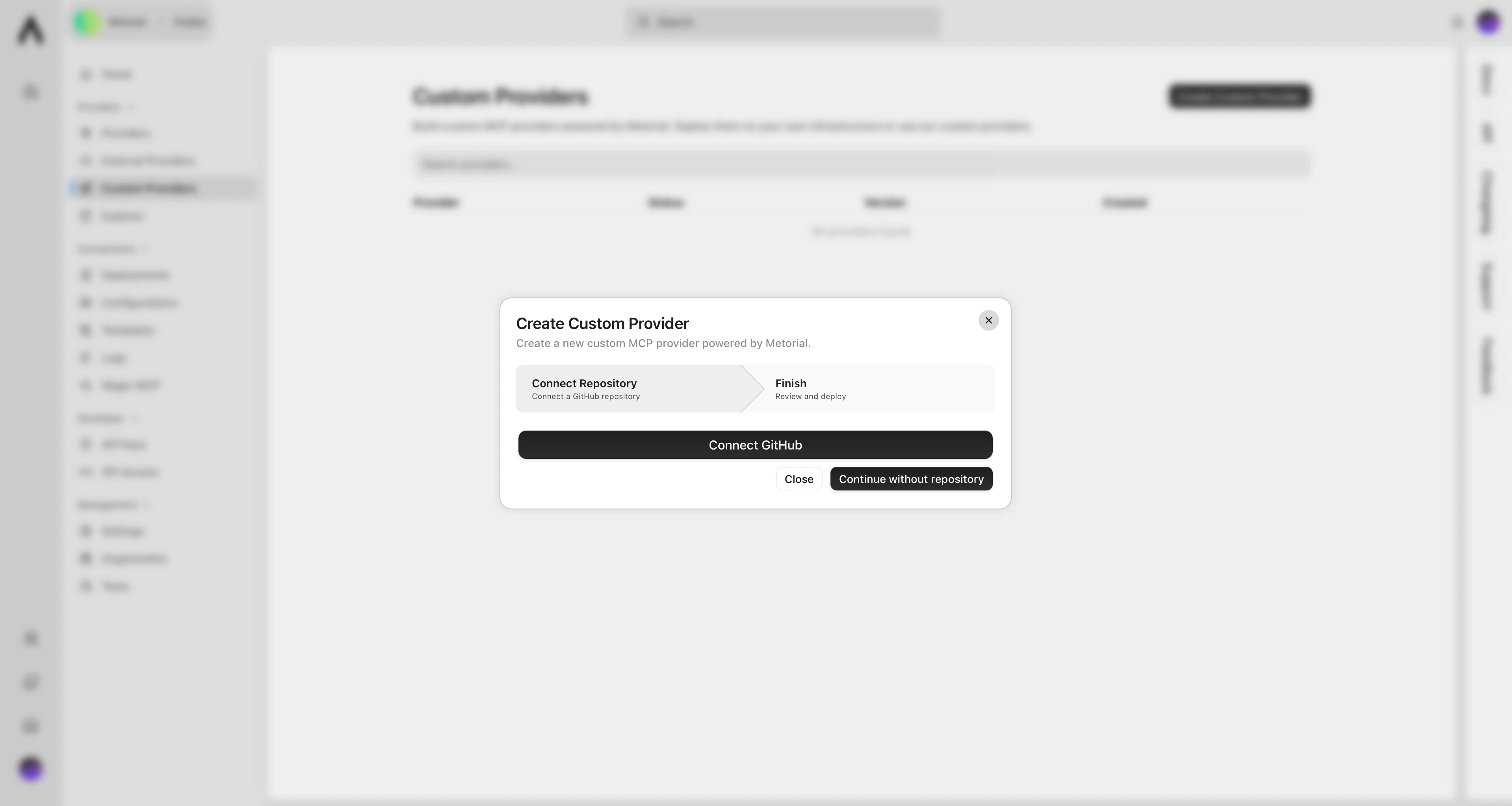
Creating a Custom Provider
What’s Next?
Deployment Guide
Learn about versions and deployments.